The problem
A good prompt is a working asset, and mine were being treated as disposable text. The useful ones were scattered across chats, notes, and documents, so finding one meant scrolling, reusing one meant retyping, and improving one meant losing the version before it. I wanted a single place where a prompt could be found in seconds, filled in, run, and refined over time. I set one hard rule for it: no server of mine in the middle.
The approach
The library lives in the browser. Prompts, favorites, run history, and settings sit in localStorage; there is no account and no backend, and the site is a static export. A prompt can carry variables, so one template fills in differently each time, and a versioned JSON import and export moves a library between machines.
Inside the build
A closer look.
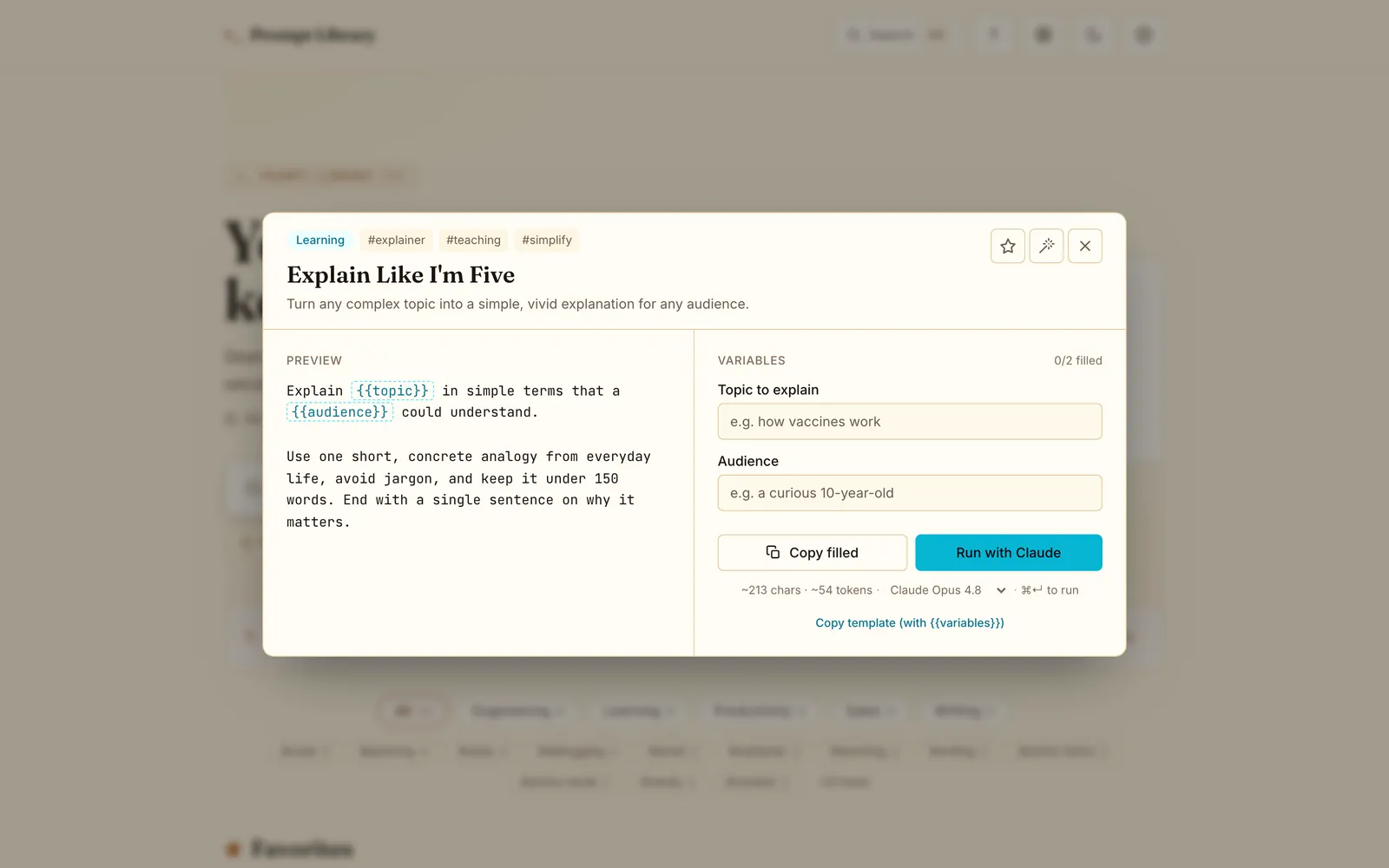
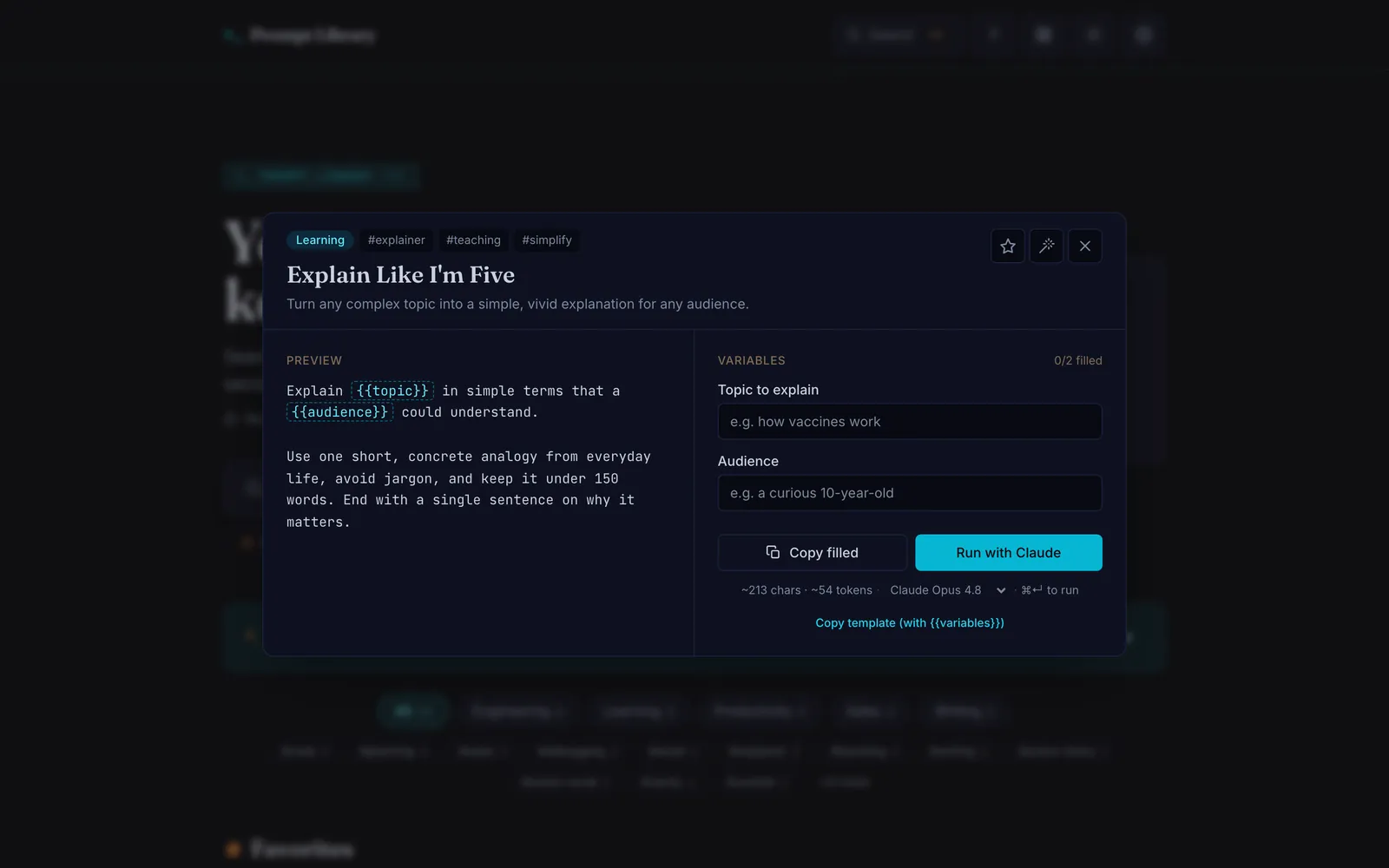
A prompt opened, with variables to fill and the copy control waiting.


Running a prompt is the one place data leaves the page, and I made that explicit rather than quiet: the browser sends the prompt and the user’s own Anthropic API key directly to Anthropic over HTTPS, and nothing passes through anything I operate. The client for that call is hand-built rather than an SDK. It streams the reply by parsing server-sent events itself, sorts failures into typed errors (bad key, rate limit, overloaded, network), counts down live when Anthropic asks for a retry, and lets a run be cancelled mid-stream.
The no-backend rule
The no-backend rule turned out to be the whole product discipline. There was nowhere to offload a hard decision, so every feature had to be scoped to run on the client and earn its place.
What shipped
Full-text search across the library, categories and tags, favorites, variable fields, per-prompt run history, and Markdown rendering through a small safe-subset parser instead of raw HTML. A choice of Claude models and a max-token setting. Light, dark, and system themes, and a documented set of keyboard shortcuts for search, running, saving, and switching prompts. Built against WCAG 2.2 AA, with screen-reader announcements on copy and run states and reduced motion honoured. Continuous integration runs typecheck, tests, and lint on every pull request, and GitHub Pages deploys from main. MIT licensed.
Where it stands
Live and evolving · no backend of mine
My role
The product idea and the privacy rule that shaped it were mine, along with the call to build the API client by hand so the only network request in the app is one I can read in full, and the wording that describes that request honestly. The agents wrote most of the implementation and the test suite. I use it for my own prompts, so a broken search or a lost run shows up quickly, and I re-read the one network call every time it changes.
Reflection
“No server” turned out to be the constraint that kept me honest: every feature had to earn its place with nowhere to offload the hard decisions.
I built this because my own prompts were scattered everywhere. I would keep the constraint and lose the notes app.